ClipboardFusion 3.0.6 is now available for download! This new version has a few minor changes, including the following:
We encourage everyone to update to this new version today to take advantage of these improvements. If you've already purchased ClipboardFusion, it's a lifetime license, so you can upgrade to this version at no cost!
If you would like to see a complete list of all the changes, please visit the ClipboardFusion Change Log.
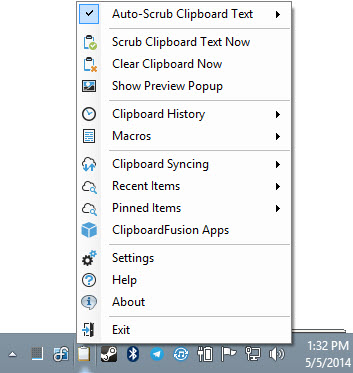
ClipboardFusion 3.0.5 is now available for download! This new version has a few minor changes, including the following:
We encourage everyone to update to this new version today to take advantage of these improvements. If you've already purchased ClipboardFusion, it's a lifetime license, so you can upgrade to this version at no cost!
If you would like to see a complete list of all the changes, please visit the ClipboardFusion Change Log.
ClipboardFusion 3.0.4 is now available for download! This new version has a few minor changes, including the following:
We encourage everyone to update to this new version today to take advantage of these improvements. If you've already purchased ClipboardFusion, it's a lifetime license, so you can upgrade to this version at no cost!
If you would like to see a complete list of all the changes, please visit the ClipboardFusion Change Log.
We're very pleased to announce that ClipboardFusion 3.0 is now available for download! We're confident that you'll enjoy the wealth of new features, along with the new multi-platform mobile apps. To celebrate the new release, ClipboardFusion Pro will be available for purchase at a 25% discount until September 7th! On a related note, we now accept Bitcoin as a payment method as well.
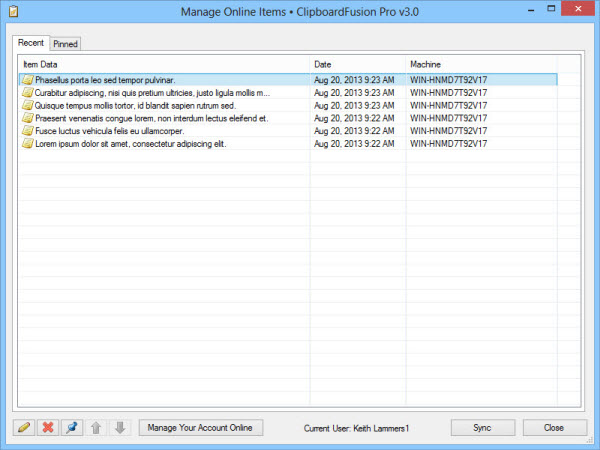
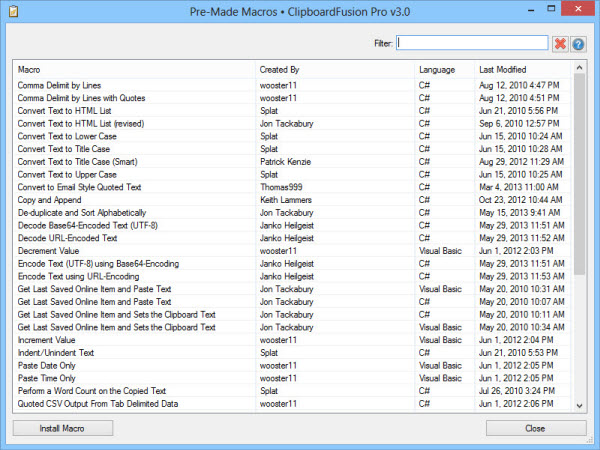
There are many exciting new features, changes, and bug fixes in this version. We've added a macro browser for easy installation of pre-made and user submitted macros, mobile apps, images to the clipboard History in the Windows version, searchable clipboard History, and much more!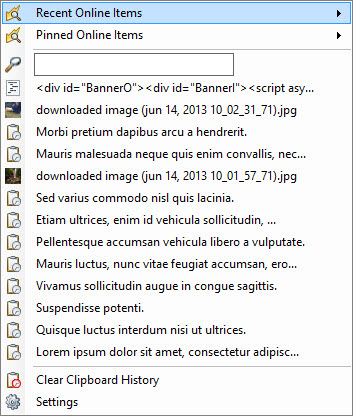
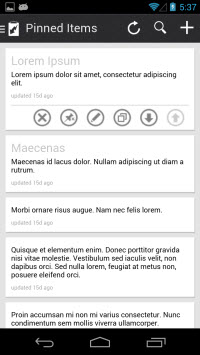
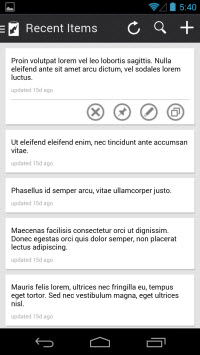
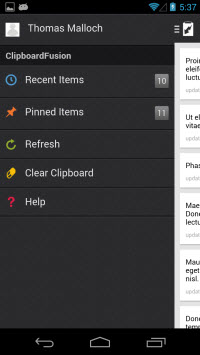
We encourage everyone to update to this new version today to take advantage of these improvements. If you've already purchased ClipboardFusion, it's a lifetime license, so you can upgrade to this version at no cost! Please note that ClipboardFusion 3.0 and higher will require a license key for the Pro/Online features. Features that are currently available in the Free version of ClipboardFusion 2.1 are still available in ClipboardFusion 3.0 for free, and will remain free in future versions. If you're currently running the Free version, you'll get an automatic 30-day trial of the Pro version, which will revert back to the Free version after the 30 days is up.
If you would like to see a complete list of all the changes, please visit the ClipboardFusion Change Log. We'd like to send out a big thanks to everyone that helped test the Beta versions. Thanks everyone, we hope you enjoy ClipboardFusion 3.0!
We're pleased to announce that ClipboardFusion 2.1 is now available for download. There are some great changes, including a bunch of bug fixes, enhancements, and some new Macro API functions. Since we haven't announced the last two minor versions of ClipboardFusion, we're including the changes from those versions in the following list as well.
The most notable changes since ClipboardFusion 2.0.4 are:
The full change log is available here. We encourage everyone to update to the latest version, in order to take advantage of these improvements.
I am very happy to announce the release of ClipboardFusion 2.0.4! This new release is a small bug-fix release, and doesn't add any significant new features. The first bug that was tackled was an intermittent stability issue, which should now be cleared up. The second issue was a complete re-working of all the windows in ClipboardFusion to make them friendly for people running higher DPI (font scaling) settings in Windows. ClipboardFusion now correctly scales all of it's own windows and controls. If ClipboardFusion detects that the window won't fit on the screen after being scaled it will disable scaling for that window so that none of the controls are cropped. This should help people running 125% scaling (or higher) with a resolution of 1024x768 or lower. Previously the bottom of the Settings window would be chopped off, making the window unusable. I always try to make an extra effort to make all of my applications as accessible to everyone as possible, and I'm sorry it took so long to get ClipboardFusion up to a higher standard. I would encourage everyone to update today, especially if you run higher DPI settings. Thanks everyone!