Hi,
I am using Win11 25h2, sleep & hibernet off, always power on.
The system is a Dell 7780 laptop with lid always closed, and external display to a monitor thru TB dock.
Native resolution of the laptop is 2160p, external monitor is 1440p.
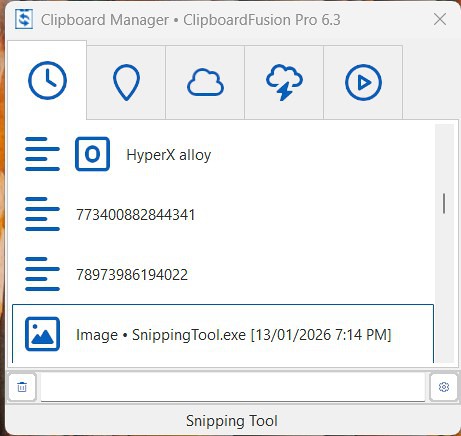
With the laptop running, if i turn of my external monitor and turn back on, all other apps are normal but CF 6.3 Clipboard Manager will always out of scale as below. Icon and row become bigger. The window cannot be resized.
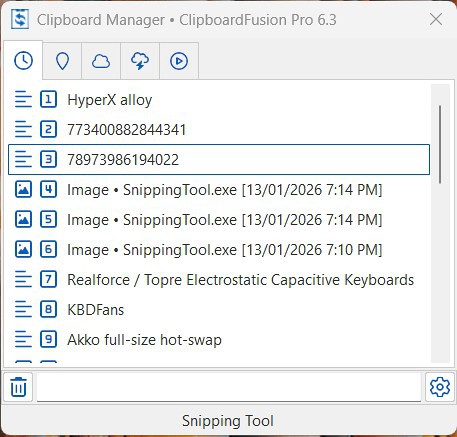
Close the clipboard manager and open again, icon and row size is back to normal, but the window size remains the same and cannot be resized. picture as below.
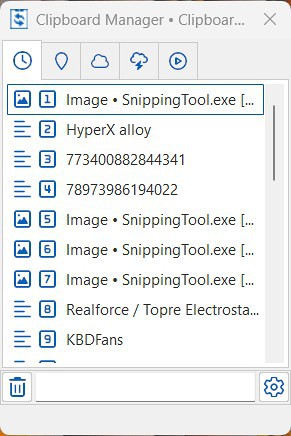
I have to restart CF for it to be back to normal again, picture as below. The window can be resized now.
What is the problem and how to solve it? other open apps do not have such problem. Thanks.